Currently Empty: ₦0.00

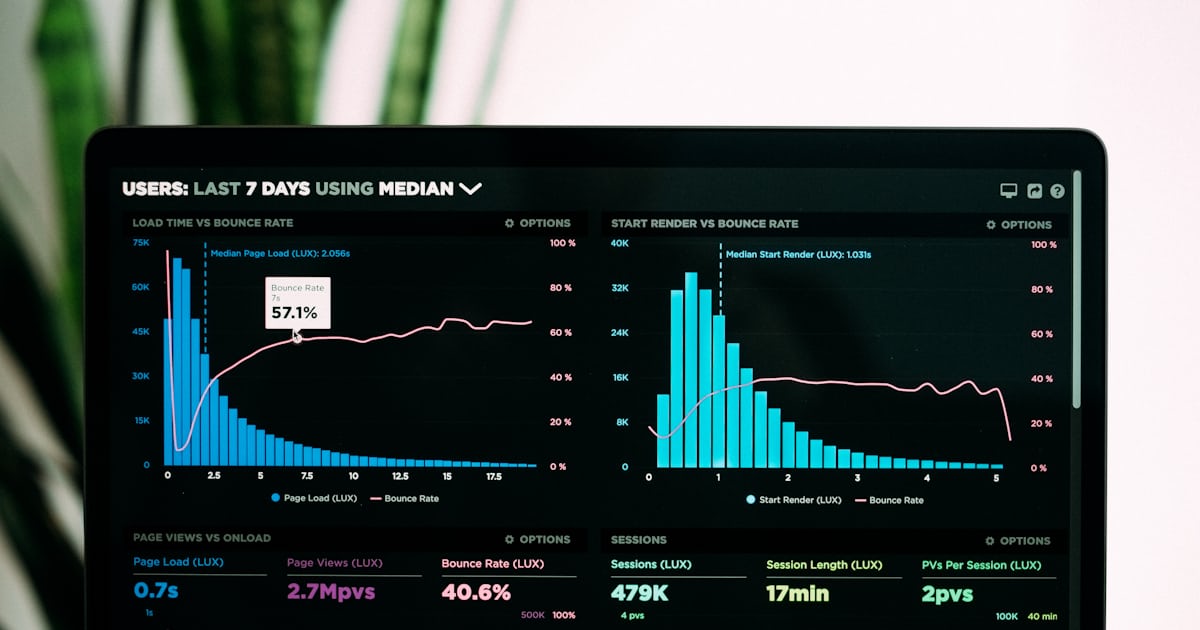
A slow website can cost a Nigerian business enquiries, sales and trust. Many visitors browse with mobile phones, limited data or an unstable connection. If a page takes too long to become useful, they may leave before seeing the offer.
The good news is that you do not always need to rebuild your site. A few careful changes to hosting, images, caching, plugins and page design can make a noticeable difference. This guide explains how to speed up a WordPress website in Nigeria without making the process unnecessarily complicated.
Quick answer: Start by testing the site, compressing oversized images, enabling page caching, removing unnecessary plugins, simplifying heavy pages and checking your hosting performance. Make one change at a time and test again so you know what actually improved.
Why WordPress website speed matters in Nigeria
Speed affects more than convenience. It shapes the entire experience a visitor has with your business.
- Mobile visitors are less patient: A heavy page can feel especially slow on a weak or busy mobile network.
- Large files consume more data: Oversized images and videos make the website more expensive for visitors to browse.
- Slow pages reduce conversions: People may abandon a contact form, product page or course registration before it loads.
- Performance supports SEO: Google uses page-experience signals alongside many other factors when evaluating pages.
- A fast site feels more trustworthy: Visitors can move between pages and complete actions without frustration.
Google’s Core Web Vitals focus on loading performance, responsiveness and visual stability. The main metrics are Largest Contentful Paint (LCP), Interaction to Next Paint (INP) and Cumulative Layout Shift (CLS).
1. Test your website before changing anything
Do not begin by installing several “speed” plugins. First, measure the current site and identify the biggest problems.
Use Google PageSpeed Insights to test important pages such as your homepage, main service page, popular blog post and checkout or registration page. Test the mobile report carefully because many Nigerian visitors will access the site from a phone.
Look beyond the overall score. Pay attention to warnings about:
- Large or improperly sized images
- Slow server response
- Unused JavaScript or CSS
- Resources that block the first display
- Layout shifts caused by images, adverts or fonts
- Too many third-party scripts
Save the result or take a screenshot. After each major improvement, run the same test again.
2. Choose hosting that matches the website
A lightweight website can still feel slow when the hosting server is overloaded or poorly configured. Cheap hosting is not automatically bad, and expensive hosting is not automatically fast. What matters is whether the plan provides dependable resources and support for your type of website.
Before choosing or changing a host, ask about:
- Server location and content-delivery network support
- Storage type and available server resources
- Current PHP and database support
- Daily backups and restoration options
- SSL certificates
- Uptime monitoring
- Support response time
- Whether page caching is available at server level
An online store, learning platform or membership site usually needs more resources than a five-page company website. If you are still planning your budget, read our guide on how much a website costs in Nigeria in 2026.
3. Compress and resize every image
Images are among the most common causes of heavy pages. A photograph taken with a modern phone may be several megabytes even though the website displays it at a much smaller size.
Before uploading an image:
- Crop it to the shape the page actually needs.
- Resize it close to its maximum display dimensions.
- Compress it without making it visibly blurry.
- Use JPEG for photographs when appropriate.
- Use PNG mainly when transparency or sharp graphic detail is necessary.
- Use WebP or AVIF when your workflow and required platforms support them.
- Write useful alt text that describes the image.
Avoid uploading a 4000-pixel photograph for a space that displays at 800 pixels. Also avoid placing several large sliders or background videos above the fold.
4. Enable page caching correctly
WordPress normally builds a page using PHP and database queries. Caching can store a prepared version so the server does less work for repeated visits. The official WordPress performance handbook describes caching as one of the fastest ways to improve many WordPress sites.
Your host may already provide server-level caching. If it does, use a compatible configuration instead of stacking multiple caching plugins. Two plugins trying to perform the same optimisation can create conflicts or make troubleshooting difficult.
After enabling caching:
- Clear all caches.
- Open the website in a private browser window.
- Test contact forms, login pages and checkout pages.
- Confirm that recent changes appear correctly.
- Run another mobile speed test.
5. Remove plugins you do not need
Plugins add useful features, but every plugin also adds code that must be maintained. The number of plugins alone does not determine speed; one poorly built plugin can cause more trouble than several efficient ones. Still, unused and duplicated plugins should be removed.
Review the plugin list and ask:
- Is this plugin active and genuinely necessary?
- Does another installed plugin already perform the same function?
- Is it regularly updated and compatible with the current WordPress version?
- Does the feature need to load on every page?
- Did performance become worse after it was installed?
Back up the site before removing anything important. Deactivate one plugin at a time, test the relevant features and compare performance.
6. Use a lightweight theme and simpler page design
A beautiful page can still be efficient. Problems often appear when a page uses too many animations, sliders, pop-ups, custom fonts, large background images and third-party widgets at the same time.
For a faster design:
- Keep the first screen focused on one clear message and action.
- Use fewer font families and font weights.
- Replace unnecessary sliders with one strong image.
- Limit entrance animations.
- Avoid deeply nested page-builder sections.
- Remove decorative elements that do not help the visitor.
- Set image width and height to reduce unexpected layout movement.
If you are building your first site, our beginner guide explains how to create a website in Nigeria without coding.
7. Reduce unnecessary external scripts
Chat widgets, analytics tools, advertising scripts, social feeds, tracking pixels and embedded videos can all increase loading time. Some are valuable, but every external service should have a clear purpose.
Remove tools you no longer use. Where possible, delay non-essential scripts until the visitor interacts with the page. Use a video thumbnail that opens the player on demand instead of loading several video players immediately.
Do not remove essential analytics, consent or security tools blindly. Measure their impact and configure them responsibly.
8. Keep WordPress, themes and plugins updated
Updates can include security fixes, compatibility improvements and performance changes. Before updating a business-critical website, create a recent backup and confirm that important plugins support the new version.
A simple maintenance routine should include:
- Daily or weekly backups, depending on how often the site changes
- Regular WordPress, theme and plugin updates
- Removal of abandoned plugins and themes
- Checks for broken forms and email delivery
- Database and error-log monitoring
- Mobile performance testing after major changes
9. Use a CDN when it solves a real problem
A content delivery network stores copies of static files in different locations and can deliver them from a network point closer to the visitor. This may help a site serving people across Nigeria and other countries.
A CDN is useful, but it cannot repair an overloaded server, a badly built page or enormous images. Fix the basic problems first, then test whether a CDN improves real loading times for your audience.
10. Optimise for real mobile users
Do not test only with a fast office connection. Open the site on an ordinary phone and browse it as a new visitor would.
Check whether:
- The first useful content appears quickly.
- Text is readable without zooming.
- Buttons are easy to tap.
- The menu opens smoothly.
- Forms are short and usable.
- WhatsApp and phone links work.
- Images do not push text around while loading.
- The page does not consume excessive data.
A website should not merely achieve a high test score. It should help a real person find information and complete an action comfortably.
A simple WordPress speed checklist
- Test key pages with PageSpeed Insights.
- Back up the site before major changes.
- Compress and resize large images.
- Enable one appropriate caching solution.
- Remove unused or duplicated plugins.
- Simplify heavy page sections.
- Check hosting performance.
- Reduce unnecessary third-party scripts.
- Update WordPress, themes and plugins.
- Retest on mobile after every major change.
Common speed optimisation mistakes
- Installing several optimisation plugins at once
- Changing many settings without recording the original configuration
- Testing only the homepage
- Compressing images until they look poor
- Breaking checkout, login or form pages with aggressive caching
- Deleting database information without a backup
- Focusing only on a perfect score instead of user experience
Frequently asked questions
What is a good loading time for a WordPress website?
A useful target is to make the main content appear quickly and keep the page responsive and stable. Google’s recommended Core Web Vitals thresholds include LCP within 2.5 seconds, INP of 200 milliseconds or less and CLS of 0.1 or less at the 75th percentile. Results vary by device, connection and page type.
Will a caching plugin fix every slow website?
No. Caching can reduce server work, but it cannot fully solve poor hosting, oversized media, heavy scripts or a badly designed page. Treat caching as one part of a wider performance plan.
Does having many plugins always make WordPress slow?
Not always. Plugin quality and behaviour matter more than the raw number. However, unused, duplicated or poorly maintained plugins create unnecessary risk and should be removed carefully.
Should I use WebP images?
WebP can reduce file size while maintaining good quality and is widely supported in modern browsers. Keep platform requirements in mind: some third-party publishing tools may still require JPEG for social media uploads.
Can I optimise a WordPress website without coding?
Yes. Image preparation, caching, plugin cleanup, theme settings and page simplification can produce meaningful improvements without custom code. More complex problems may require a developer.
Final thoughts
A faster WordPress website begins with measurement, not guesswork. Test the important pages, fix the largest problem first and compare the result. Small improvements to images, caching, plugins and page structure can make the website easier to use on mobile devices and slower connections.
If you want to turn these skills into a practical service, explore seven profitable websites you can build without coding in Nigeria and start with one focused project.
Featured photo by Luke Chesser on Unsplash.