0

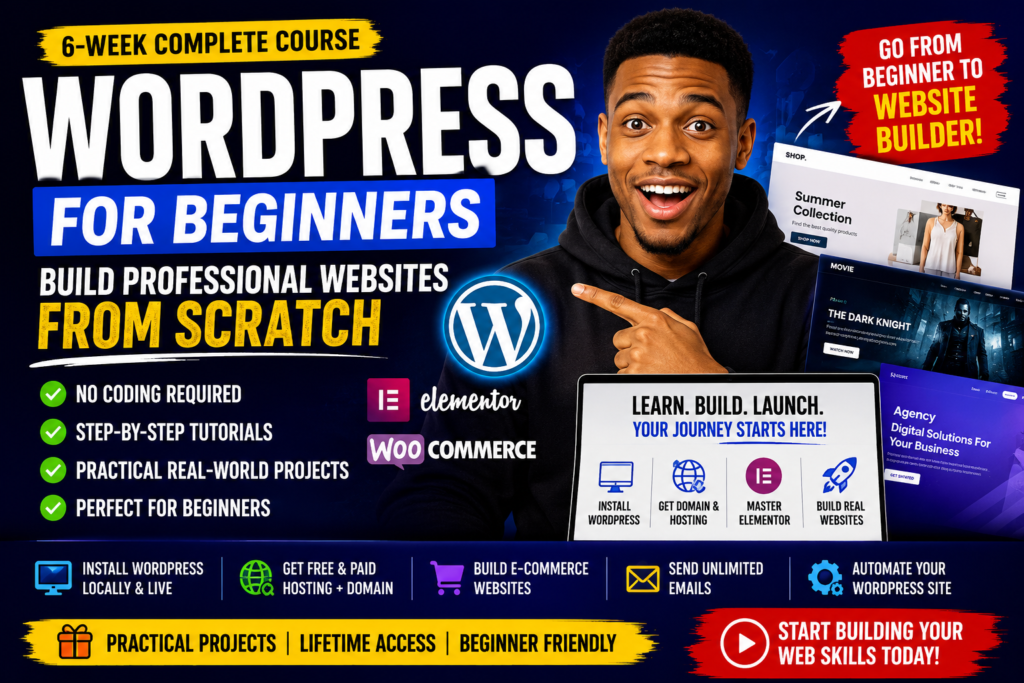
WordPress for Beginners: Build Professional Websites from Scratch

0.0
(0)
4 Enrolled

About Course

Welcome to the WordPress for Beginners: Build Professional Websites from Scratch course.

This comprehensive 6-week course is designed for complete beginners who want to learn how to build modern, professional websites without writing code. Whether you’ve never built a website before or you’re looking to improve your skills, this course will guide you step by step.

You’ll start by learning how to install WordPress on your computer for free before moving on to getting hosting and a domain name. You’ll discover both free and paid hosting options, including purchasing hosting from trusted providers like Namecheap and Hostinger.

From there, you’ll explore the WordPress dashboard, understand every essential setting, and master Elementor—the world’s most popular WordPress page builder. You’ll learn how to create beautiful pages using drag-and-drop tools and professionally designed templates.

As you progress, you’ll build real-world websites, including an eCommerce store and a movie website, while also learning practical skills such as email marketing and WordPress automation.

By the end of this course, you’ll have the confidence and practical experience to build professional WordPress websites for yourself, your business, or even clients.

No coding experience is required—just a willingness to learn.

Show More

What Will You Learn?

  • By the end of this course, you'll be able to:
  • Install WordPress locally on your computer.
  • Set up a live WordPress website.
  • Get free hosting and domains for practice.
  • Purchase hosting and domains from Namecheap and Hostinger.
  • Navigate the WordPress dashboard with confidence.
  • Install and manage WordPress themes and plugins.
  • Build professional websites using Elementor.
  • Create responsive pages without writing code.
  • Import and customize professional website templates.
  • Build a complete eCommerce website.
  • Build a movie streaming website.
  • Send unlimited emails using WordPress.
  • Automate WordPress tasks to save time.
  • Understand the fundamentals needed to continue building more advanced WordPress projects.

Requirements

  • No previous WordPress experience required.
  • No coding knowledge required.
  • A Windows or Mac computer.
  • Internet connection for downloading WordPress and course resources.
  • Willingness to practice and build along with the lessons.

Audience

  • This course is perfect for:
  • Complete beginners with no prior WordPress experience.
  • Students who want to learn website design without coding.
  • Freelancers looking to start offering WordPress web design services.
  • Small business owners who want to build and manage their own websites.
  • Entrepreneurs who need a professional online presence.
  • Bloggers and content creators who want to launch their own websites.
  • Digital marketers who want to expand their skills.
  • Anyone interested in learning WordPress and Elementor from scratch.

Course Content

What You’ll Learn

  • Install WordPress locally on your computer.
    08:04
  • How to Get free hosting and domains for practice.
    07:12

Purchase hosting and domains from Namecheap and Hostinger.

WordPress

Instructors

ziflite

ziflite

Website Designer
0.0
5 Students
3 Courses
No Review Yet
No Review Yet